


indoor
Set your listing apart!
Showcase your listing’s hidden features and provide an immersive experience that home buyers can connect with.
immersive listings
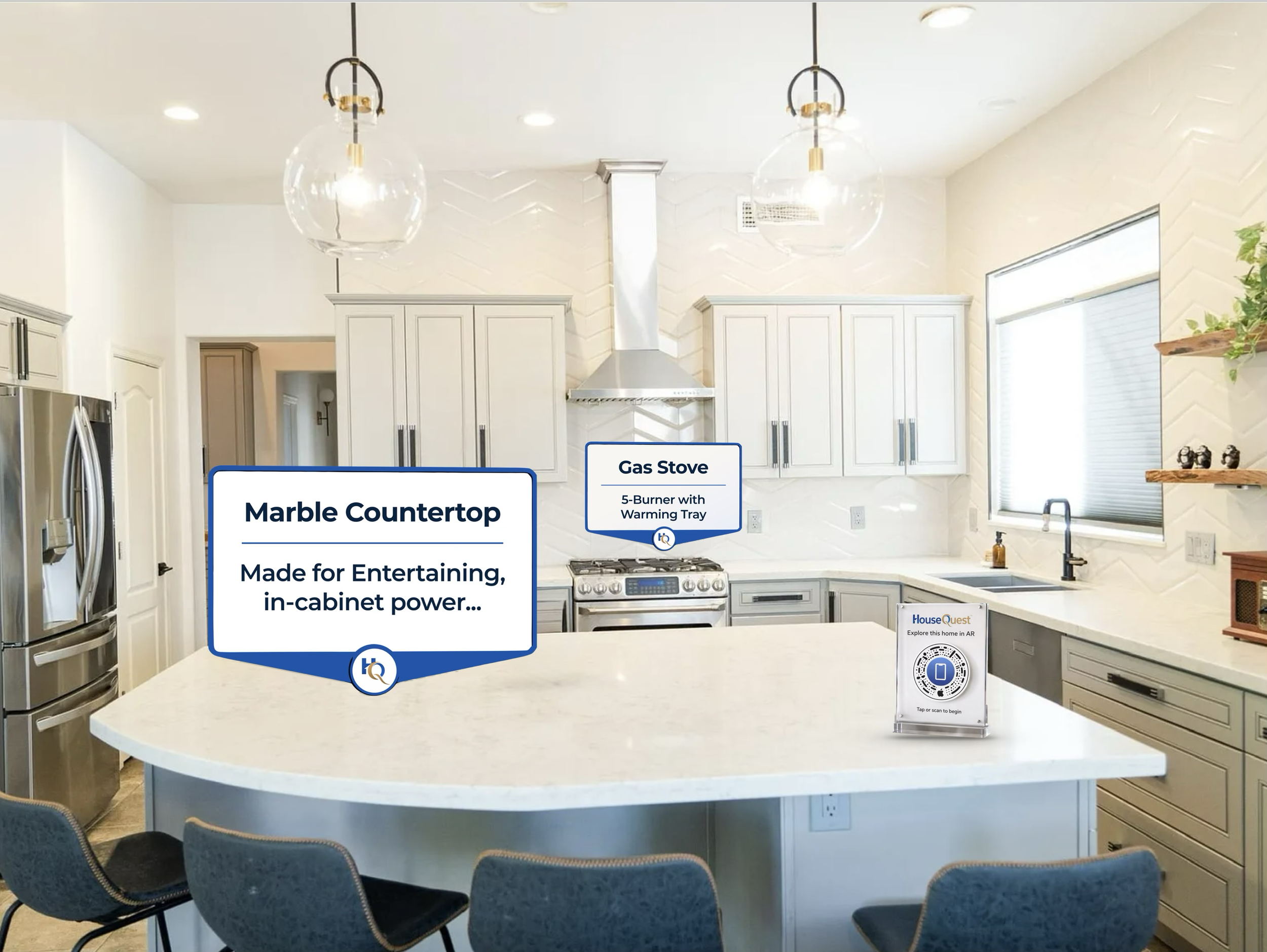
People buy houses that they connect with, and remember best. In a time where people scour through hundreds of houses, it can be hard to remember which had all of the things you liked best.
Feature Tags are placed throughout a home to showcase key or hidden features that prospective buyers be interested in. This immersive new way to tour a house will all of the information available, with more context than a printed out listing sheet can provide.
Touring a house without feature tags is like walking through a museum without any signage. Your tour guide can answer questions you think to ask them, but now you can discover more for yourself.
placing feature tags
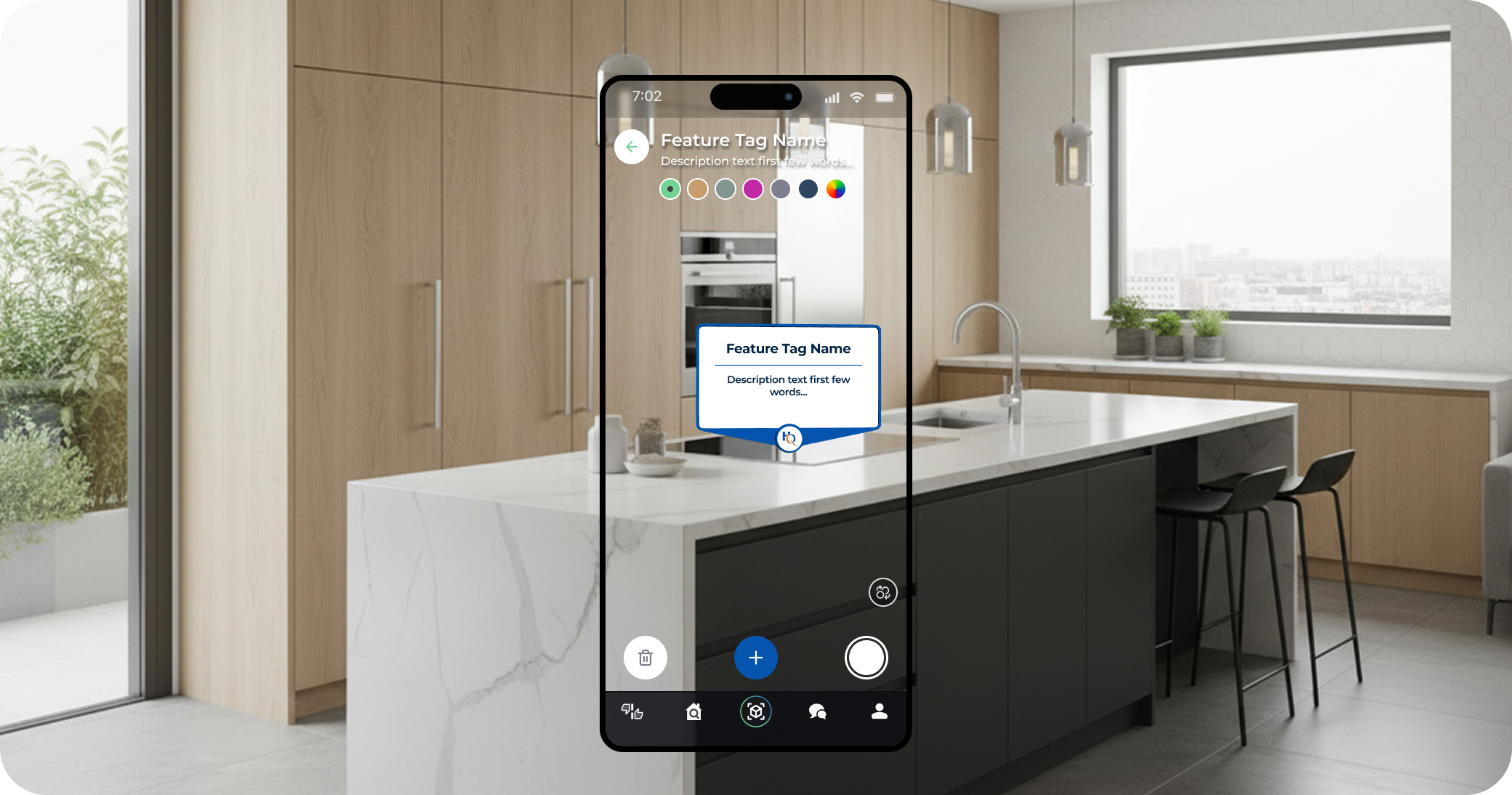
Using the app, a Listing Agent or service, walks around the home and taps anywhere they would like to place a Feature Tag. Give it a title, and brief description then onto the next one, a few seconds of effort to showcase a special or hidden feature of the house.
As you walk the house, keep the app open and pan your camera over walls, fixtures, and features. We map out the house as you move, so no need to pause for the perfect shot.
Every room that has a Feature Tag in it will be primed for a quick load by the user.
launch the ar tour
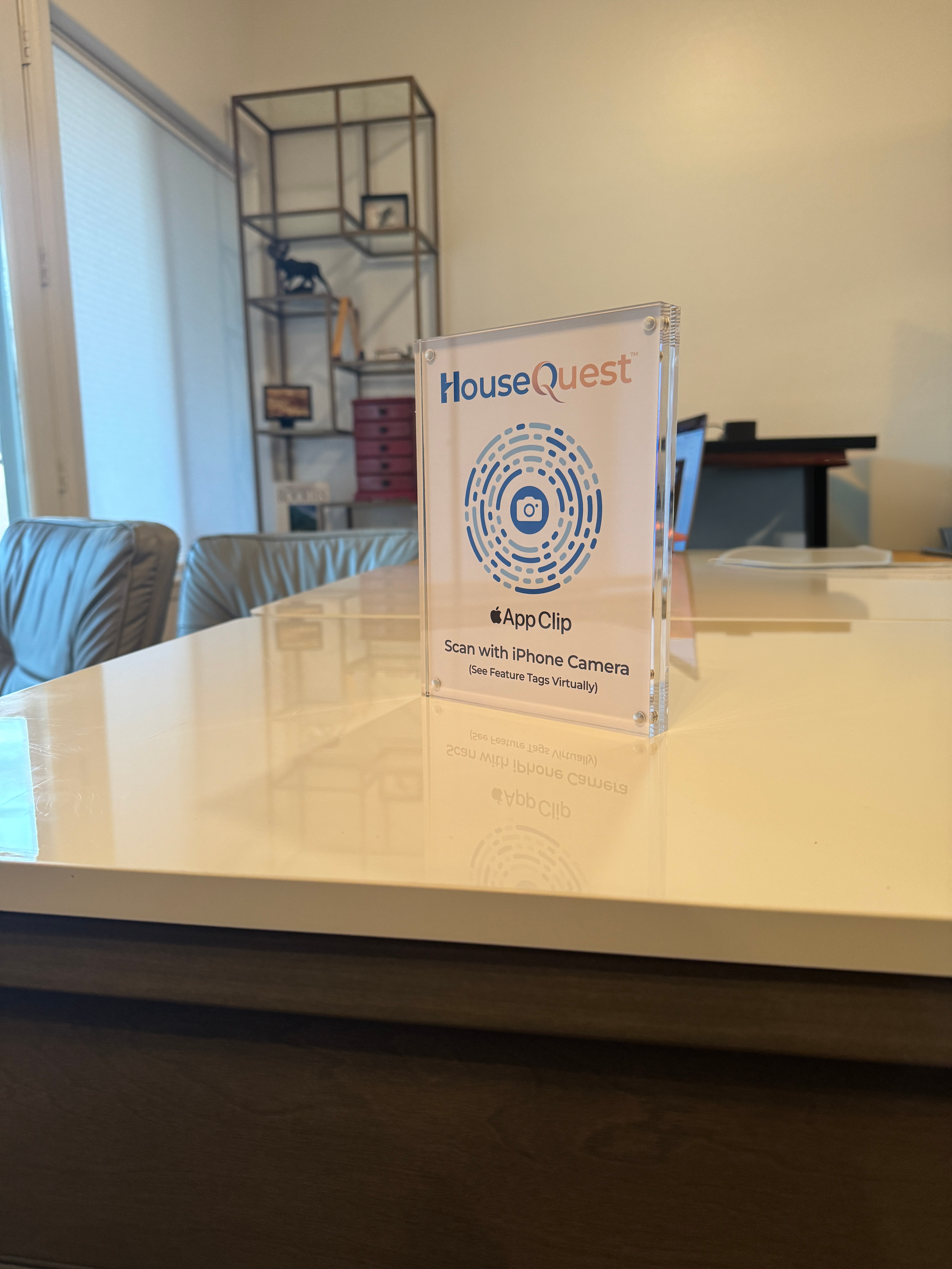
HouseQuest uses a “light version of an app,” called an App Clip, so that when an Apple device scans the QR code, it will immediately will launch the associated AR Tour. No need for your buyer to download an app, and no extra bloat on the user’s device.
Place a QR code in the house for buyers to scan, or share the AR Tour directly through a link. There’s no need to create a unique sign for each property; HouseQuest instantly directs to the proper tour based on the location of the listing.